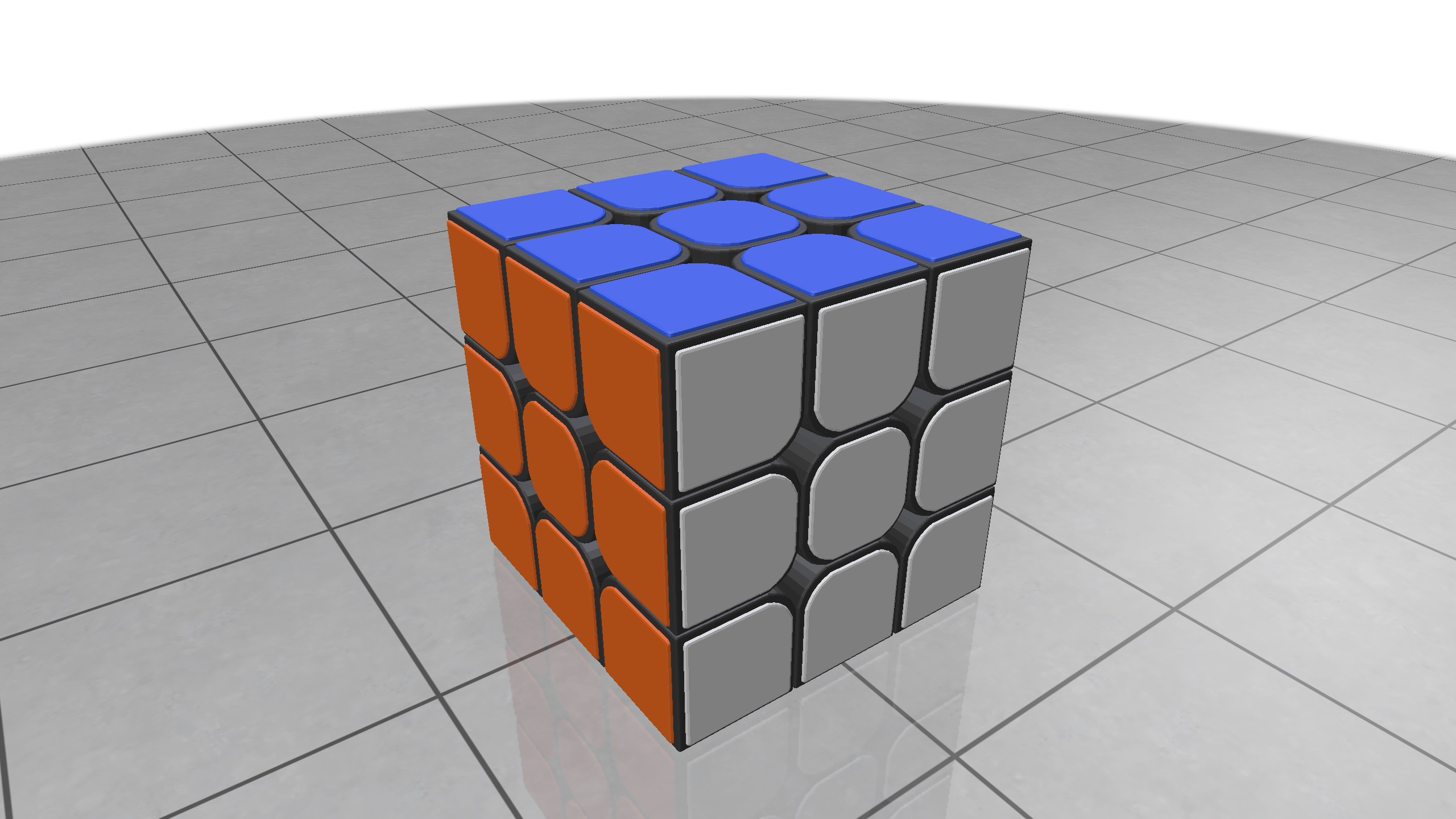
第 5 次大作业进展报告
3/21/25About 2 min
问题
请编写带有图形界面的普通三阶魔方模拟程序.
要求:
- 实现平移、放大、缩小和自适应大小的魔方展示功能.
- 请自定义编码表示魔方的各种可能操作, 每种编码表示其中 1 种操作.
- 实现打开文本文件的功能, 该文本文件由一系列编码组成, 对应魔方操作.
- 实现魔方操作功能: 可以交互实现每个操作, 也可以通过动画自动播放魔方的系列操作.
- 在操作或转动魔方时, 必须以动画的形式展示, 从而方便看清如何操作或转动.
- 可以保存魔方操作, 保存结果是由一系列编码组成文本文件.
- 编写文档详细介绍模拟算法与图形界面等内容.
参考:
- 雍俊海. 清华教授的小课堂魔方真好玩. 北京: 清华大学出版社.
1. 3D 模型资源打包
1.1. OBJ / MTL 文件嵌入
3D 模型资源来自: RUBIK’S CUBE - Download Free 3D model by FromSi (@fromsi665) [4cc7c1b] (License: CC BY 4.0)
通过 xmake 构建系统的 utils.bin2c Rule, 将模型文件转换为 C 语言字符串常量:
-- xmake.lua
add_rules("utils.bin2c", { extensions = {".mtl", ".txt"} })
add_files("assets/cube.mtl")
add_files("assets/cube.obj.txt") -- prevent compiling
生成 cube.obj.txt.h 和 cube.mtl.h 头文件, 包含文件内容的字符串表示.
1.2. 资源类封装
// assets/cube.h
class Assets {
 public:
  static const std::string obj_text;  // 包含OBJ模型数据
  static const std::string mtl_text;  // 包含MTL材质数据
};
2. 几何信息解析
2.1. 模型加载过程
tinyobj::ObjReader reader;
reader.ParseFromString(Assets::obj_text, Assets::mtl_text, config);
2.2. 顶点数据处理
Eigen::MatrixX3f vertices(attrib.vertices.size() / 3, 3);
for (size_t i = 0; i < attrib.vertices.size() / 3; ++i) {
  vertices(i, 0) = attrib.vertices[3*i+0];
  vertices(i, 1) = attrib.vertices[3*i+1];
  vertices(i, 2) = attrib.vertices[3*i+2];
}
2.3. 面索引处理
for (const tinyobj::shape_t& shape : shapes) {
  std::vector<std::vector<int>> indices;
  for (int f = 0; f < shape.mesh.num_face_vertices.size(); f++) {
    const int fv = shape.mesh.num_face_vertices[f];
    std::vector<int> face(fv);
    for (int v = 0; v < fv; v++) {
      face[v] = shape.mesh.indices[index_offset + v].vertex_index;
    }
    indices.push_back(face);
  }
}
3. 材质信息处理
3.1. 材质数据映射
for (size_t i = 0; i < indices.size(); ++i) {
  int material_id = shape.mesh.material_ids[i];
  if (material_id >= 0 && material_id < materials.size()) {
    const auto& material = materials[material_id];
    colors.row(i) << material.diffuse[0], material.diffuse[1], material.diffuse[2];
  } else {
    colors.row(i) << 0.5f, 0.5f, 0.5f; // 默认灰色
  }
}
3.2. 材质属性说明
- 使用 MTL 文件的 diffuse 颜色作为面片基础色
4. 渲染
Polyscope初始化 → 加载模型 → 注册网格 → 绑定材质 → 显示界面4.2. 几何
polyscope::SurfaceMesh* mesh =
  polyscope::registerSurfaceMesh(shape.name, vertices, indices);
4.3. 材质着色
auto color = mesh->addFaceColorQuantity("color", colors);
color->setEnabled(true);